IMAGE→VIDEOCreate video

For photographed memories

Turn Your Photos Into Video

Photo to video starts with a moment that actually happened: a family gathered on a doorstep, a portrait kept in a drawer, or someone standing in afternoon light. An AI photo animator can suggest movement around that moment, but faces, lighting, and personal details deserve care. Old photo animation works best as an interpretation of a photograph, not a claim that the resulting gestures happened in real life.

Bring a photograph to the editor
AI VIDEO STUDIO
JPG, PNG, WebP · 10 MB
Length
Quality

Generation usually takes a few minutes. Keep this tab open while we work.

01

Prepare the photograph before adding movement

For a printed photograph, scan it flat or photograph it in even light without glare. Crop out the scanner bed, album corners, and unrelated borders. Keep the original scan safely stored and work on a separate copy. A faded print may benefit from gentle exposure correction, but aggressive sharpening can turn grain into distracting texture. This tool animates a supplied image; it does not provide a separate, verified restoration process or recover historical detail that was never captured.
02

Give a portrait room to stay recognizable

Choose a face large enough to see clearly, with eyes and mouth unobstructed. Ask for a small blink or a slight shift in posture instead of a wide head turn. Turning far away from the source view requires the model to invent hidden features, which can change someone's appearance. Leave space around the head so a minor movement does not immediately hit the edge. Compare facial proportions throughout the result, including the final frame, before deciding to share it.

03

Treat group pictures as a different problem

A family photograph contains several faces, overlapping shoulders, and hands that may be only partly visible. Asking everyone to wave introduces more opportunities for distortion than a quiet camera move. Begin with people remaining still while the camera moves slightly closer. If a single person matters most, consider a careful crop that still leaves context around them. Avoid presenting invented expressions as a real recording of a relative; describe the clip as an AI animation when sharing a meaningful memory.

04

Preserve the original light and setting

Real photographs contain clues about depth in shadows, reflections, and focus. Use those clues when deciding what could plausibly move. A seaside portrait might support a little hair movement, whereas a formal indoor portrait may suit a fixed camera and almost no environmental action. Do not ask for dramatic sunlight when the original was taken under soft studio lighting. Keep a copy of the still alongside the finished clip so you can notice changes to clothing, jewelry, background architecture, or the direction of a shadow. For a personal gift, show the preview to someone familiar with the photograph before making the animation part of a larger montage.

For photographed memories · Real generation examples

From a familiar still to five seconds of motion

Compare each source image with a video we generated using Runway through KIE, the model used by this editor. These are AI interpretations, not original recordings or restorations. Each example includes the actual motion prompt and notes on the result.

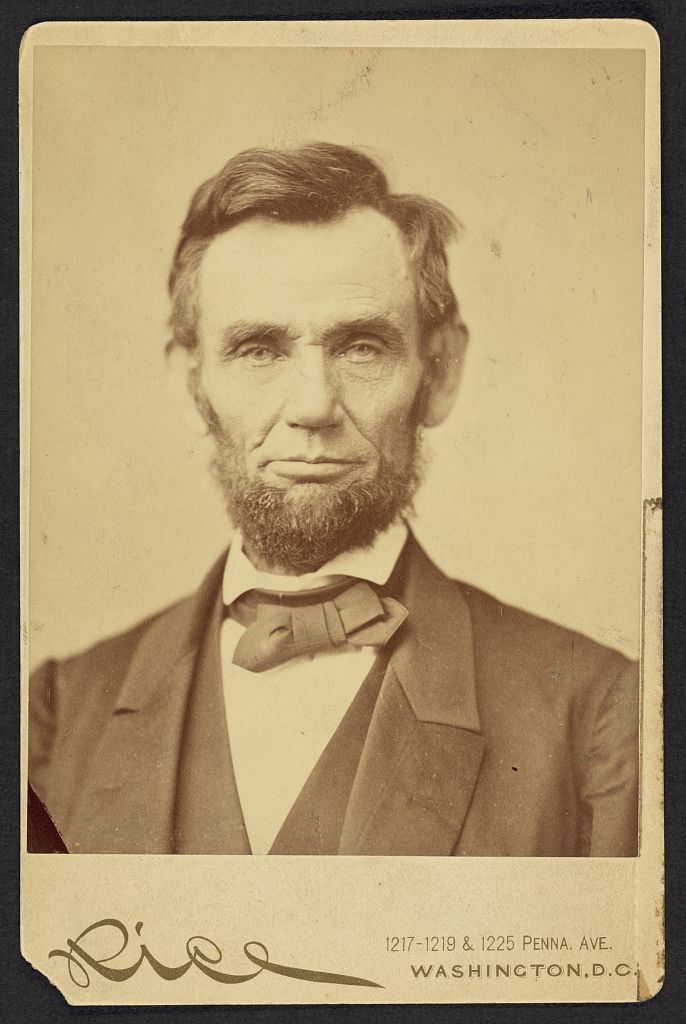
01Lincoln — preserve a historical portrait

Runway via KIE · 5s · 720p
Before · original image
Original source for Lincoln — preserve a historical portrait
After · AI-generated interpretation

The portrait shows restrained facial motion and a small head shift while retaining the sepia appearance. Facial details and the cabinet-card border are not perfectly fixed. This is an AI interpretation, not a historical recording.

View the exact motion prompt
The man blinks once very gently and breathes subtly, with his head nearly motionless. Preserve his facial proportions, beard, clothing and serious expression. Keep the original monochrome photograph and border. Static camera. No speech, no smile, no invented accessories.

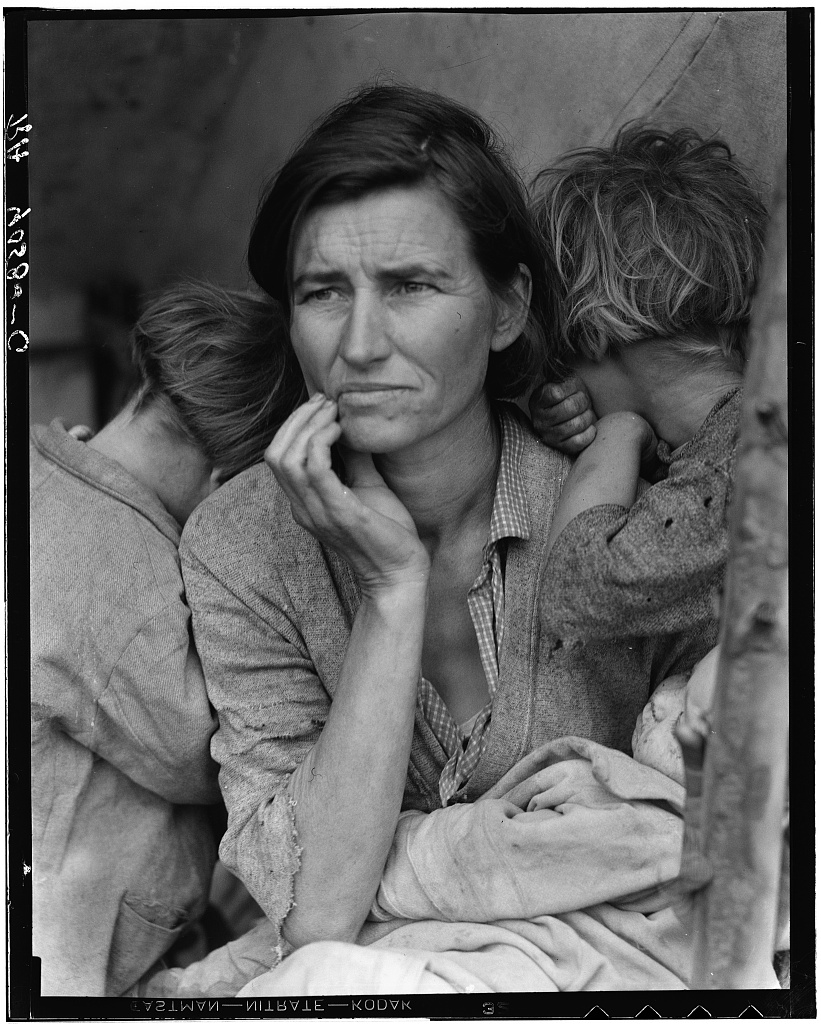
02Migrant Mother — keep a family group still

Runway via KIE · 5s · 720p
Before · original image
Original source for Migrant Mother — keep a family group still
After · AI-generated interpretation

A gentle push-in keeps the family arrangement recognizable, but the faces and hands still change slightly despite the request to hold their poses. The clip is not evidence of the subjects’ actual expressions or movements.

View the exact motion prompt
A very slow and slight camera push toward the family. All people maintain their original poses and expressions. Preserve the faces, hands, clothing, grain and monochrome tones of the historical photograph. Do not make anyone smile or talk.

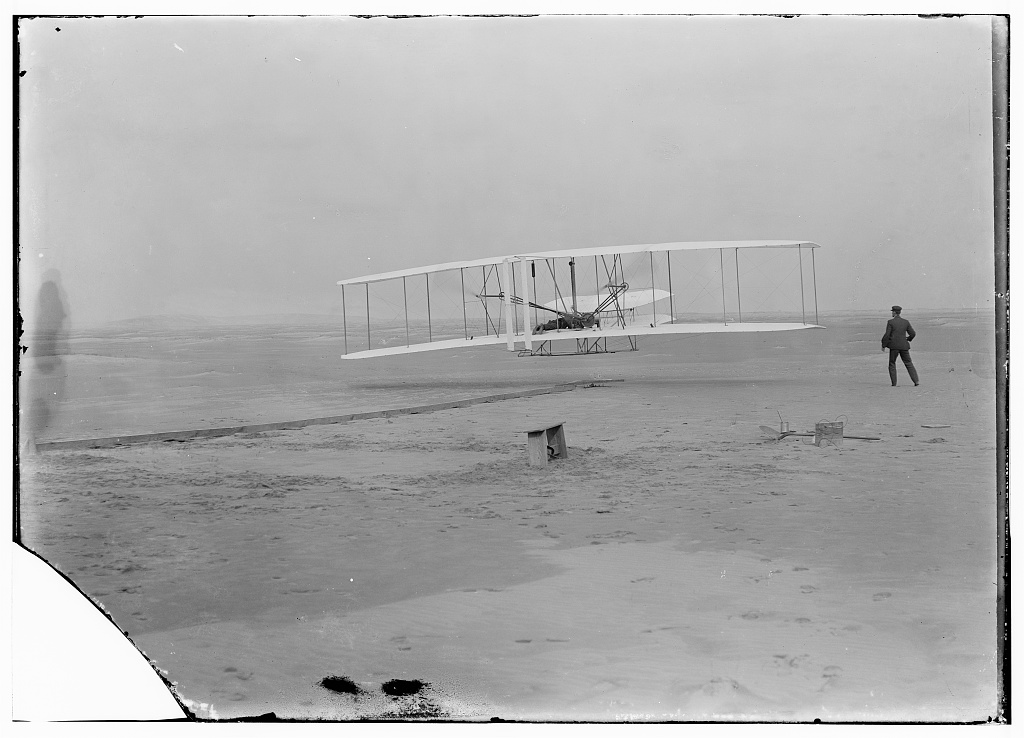
03First Flight — a moment from a glass negative

Runway via KIE · 5s · 720p
Before · original image
Original source for First Flight — a moment from a glass negative
After · AI-generated interpretation

The aircraft and standing figure move within the beach scene. Wing struts and fine geometry shift as well, so the result illustrates AI animation rather than an accurate reenactment of the first flight.

View the exact motion prompt
The historic airplane glides forward only a short distance just above the sand. The man makes one small natural step alongside it. Preserve the aircraft struts and wing geometry, the historical monochrome look and the empty beach. Locked camera, gentle restrained motion, no scene change.
Bring a photograph to the editor

For photographed memories: questions answered

Can a blurry old photograph still be animated?

It can be submitted, but blur leaves less reliable detail for the model. Use the best available scan and modest movement. Animation can invent features; it cannot verify what the original person looked like beyond the photograph.

What should I do with an underexposed portrait?

Make a copy and adjust exposure gently before uploading. If the eyes or face remain hidden in deep shadow, choose another photograph rather than expecting the animation to reconstruct them accurately.

How can I reduce changes to a person's face?

Start with a clear, front-facing portrait and a small action. Avoid speech, dramatic smiles, and large head turns. Review the whole clip: a prompt can request consistency but cannot guarantee identity preservation.

Should I animate every person in a group photograph?

Begin with a restrained camera movement while everyone holds their pose. Independent gestures in a crowded group are harder to inspect and may distort overlapping faces or hands.

Service details: Terms of Use · Privacy Policy