IMAGE→VIDEOCreate video

Start without an account

Animate an Image Without Sign Up

Image to video with no sign up means you can test an idea before handing over an email address. This no registration video maker opens straight into the editor: choose your file, describe one movement, and request a clip without login. There is no account dashboard to set up and no password to remember. Free access is limited, so prepare a small, deliberate experiment before submitting your first request.

Try a clip without logging in
AI VIDEO STUDIO
JPG, PNG, WebP · 10 MB
Length
Quality

Generation usually takes a few minutes. Keep this tab open while we work.

01

What the free trial actually includes

The current service accepts up to three generation requests per IP address per UTC calendar day. People sharing a home, office, or public network may share that allowance. A request can use an attempt even if the provider later fails, so this is not a promise of three finished videos. Start with five seconds at 720p to judge whether the movement suits your image. Five seconds also supports 1080p; ten seconds is available at 720p. Availability depends on provider capacity.
02

Prepare once, then submit

Pick a JPG, PNG, or WebP smaller than 10 MB. Check that the subject is visible at the intended crop and remove private information from the picture before uploading. Write the action in ordinary language rather than describing a whole new scene. A short request such as a leaf swaying or steam rising is easier to evaluate than a sequence of unrelated events. Read the prompt one more time before pressing Generate; repeatedly clicking is not a useful way to speed up a queued task.

03

No account does not mean no processing

Your image and prompt are sent to Kie.ai to produce the requested video. Technical request information is used to apply usage limits. This workflow is convenient for trying public creative material, but it should not be treated as an anonymous vault for confidential files. Keep the browser tab open while processing. When the result appears, preview it and save a copy promptly because provider download links can expire. There is no signed-in library where you can expect to recover earlier work.

04

Decide whether the result is worth keeping

Watch the entire clip before downloading it for a project. Compare the first and last frames, look for unexpected objects, and check whether the subject keeps its shape. If the movement is too strong, simplify the next prompt instead of adding more effects. A useful first trial answers one question: can this particular image support the motion you need? The examples below give you three small experiments with concrete details to inspect, rather than promising a particular result. Save your chosen wording locally alongside the downloaded clip, so you can compare later experiments without relying on a saved session.

Start without an account · Real generation examples

From a familiar still to five seconds of motion

Compare each source image with a video we generated using Runway through KIE, the model used by this editor. These are AI interpretations, not original recordings or restorations. Each example includes the actual motion prompt and notes on the result.

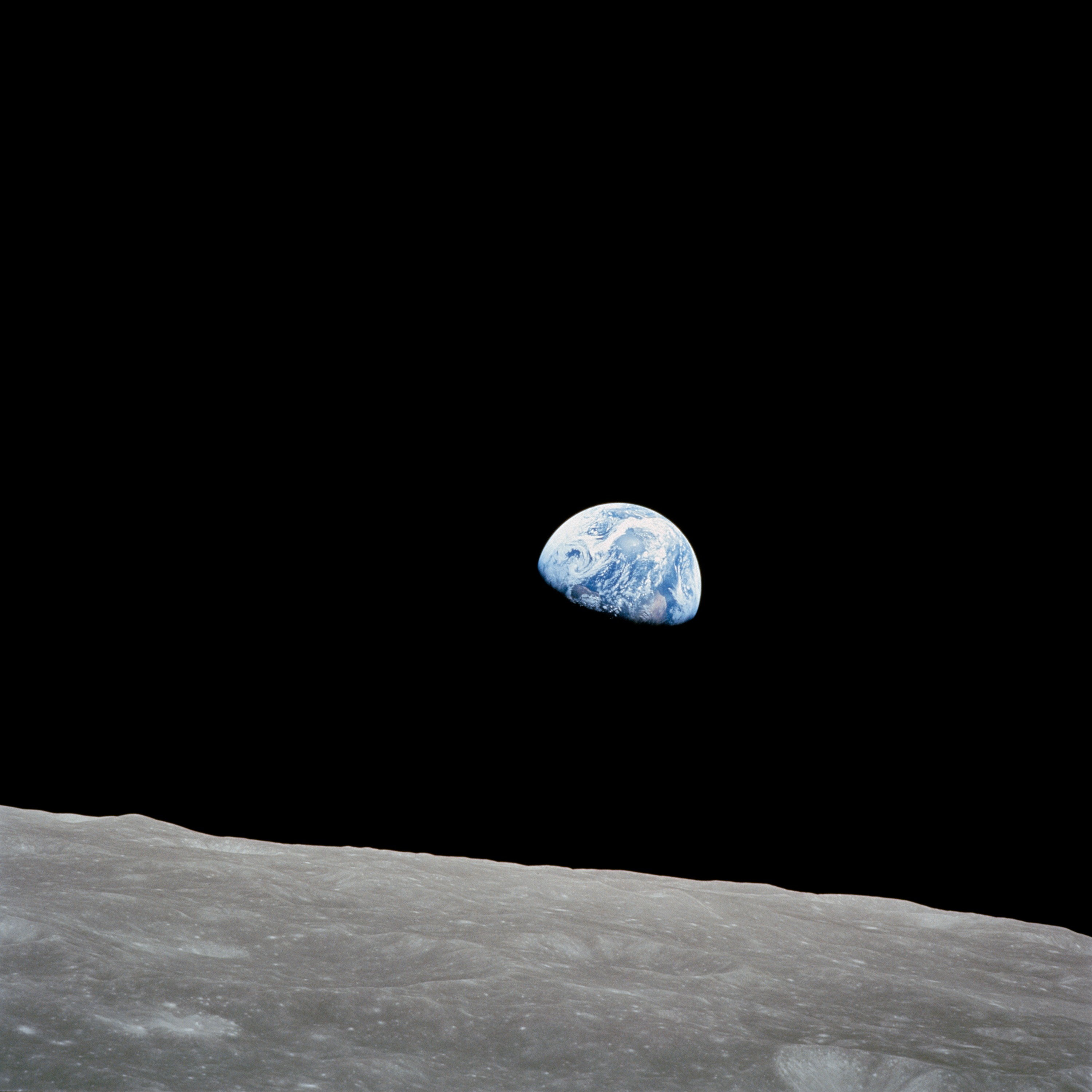
01Earthrise — a restrained camera drift

Runway via KIE · 5s · 720p
Before · NASA image
Original source for Earthrise — a restrained camera drift
After · AI-generated interpretation

The lunar foreground drifts and rises through the frame while Earth remains visible. The framing changes more than the prompt requested. This is invented camera motion, not footage from the Apollo mission.

View the exact motion prompt
A very slow camera drift to the right over the lunar foreground, while Earth remains a stable distant sphere. Preserve the original Earthrise photograph, lunar texture and black sky. Subtle parallax only. No new stars or spacecraft.

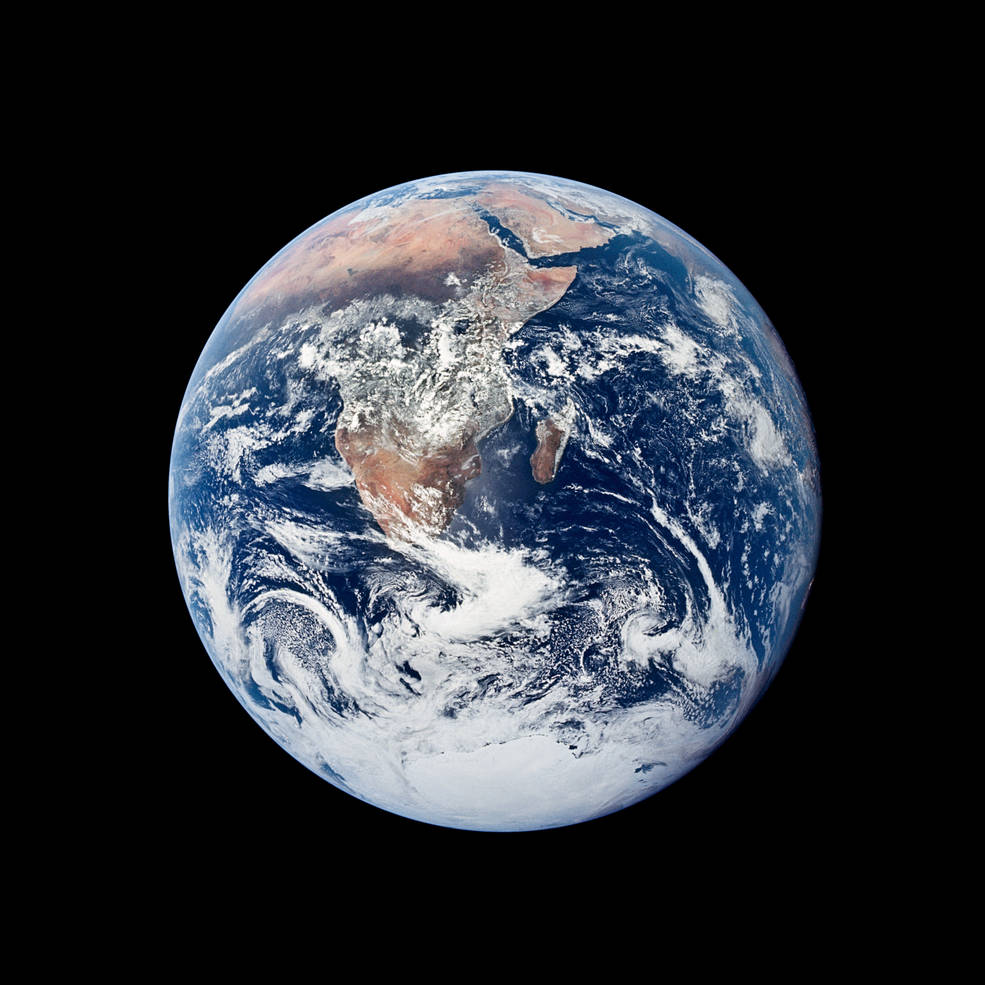
02Blue Marble — a gentle approach

Runway via KIE · 5s · 720p
Before · NASA image
Original source for Blue Marble — a gentle approach
After · AI-generated interpretation

The model pushes toward Earth and then pulls back, briefly cropping the sphere. That reversal was not requested. This example shows why a simple camera prompt still needs output review.

View the exact motion prompt
The camera slowly moves closer to the Earth. Keep the sphere round and preserve the visible continents and cloud patterns from the source photograph. The black background remains empty. No exaggerated rotation, no new objects.

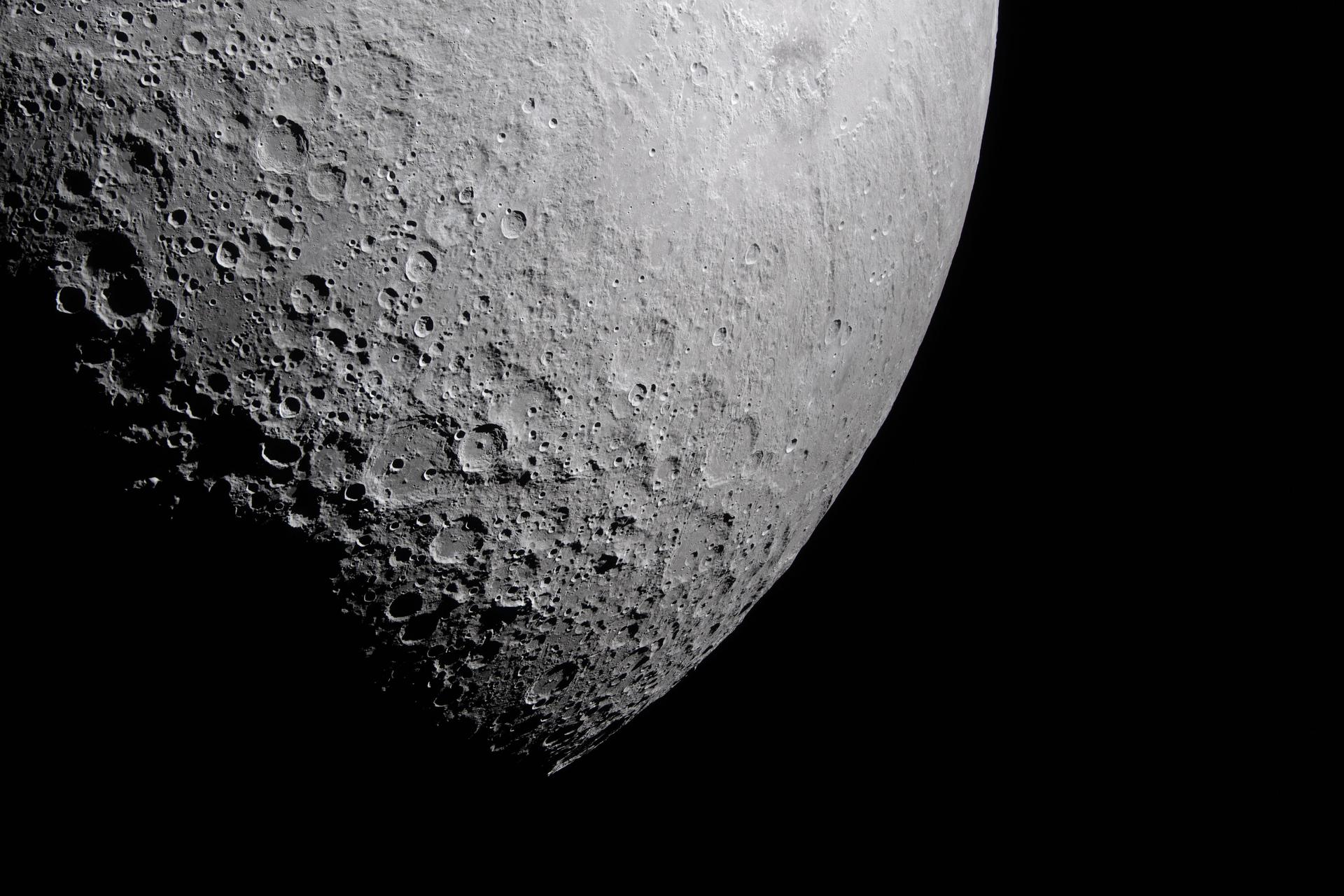
03Lunar landscape — reveal crater depth

Runway via KIE · 5s · 720p
Before · NASA image
Original source for Lunar landscape — reveal crater depth
After · AI-generated interpretation

The illuminated lunar surface moves slowly across the frame against a dark sky. Some crater details shift with the generated movement; do not use this animation for scientific observation.

View the exact motion prompt
A slow gentle camera glide over the photographed lunar surface. Keep the craters rigid, the lighting direction constant, and the black sky empty. Minimal movement, subtle depth, no dust or volcanic activity.
Try a clip without logging in

Start without an account: questions answered

Will I be asked to create an account before downloading?

The current workflow has no registration or login step for generation or access to the returned video link. Download the result when it is ready; there is no account history to retrieve it from later.

How many free attempts can I make?

The current limit is three generation requests per IP address per UTC day, subject to service availability. Shared networks share this limit. Provider failures can consume an attempt; the allowance does not guarantee three successful clips.

Will my free clip contain a watermark?

This site does not add its own watermark and requests an empty watermark from the provider. Inspect the returned video before publishing: provider behavior can vary, so an entirely watermark-free output is not guaranteed.

Does free access include commercial permission?

Free access is not a blanket commercial license. Check the rights to your source material and the applicable provider terms, and review this site's Terms of Use before using an output commercially.

Service details: Terms of Use · Privacy Policy